QuickstartSign inCreate account
Quickstart

Choose the recorder first. Read every stat on Web.

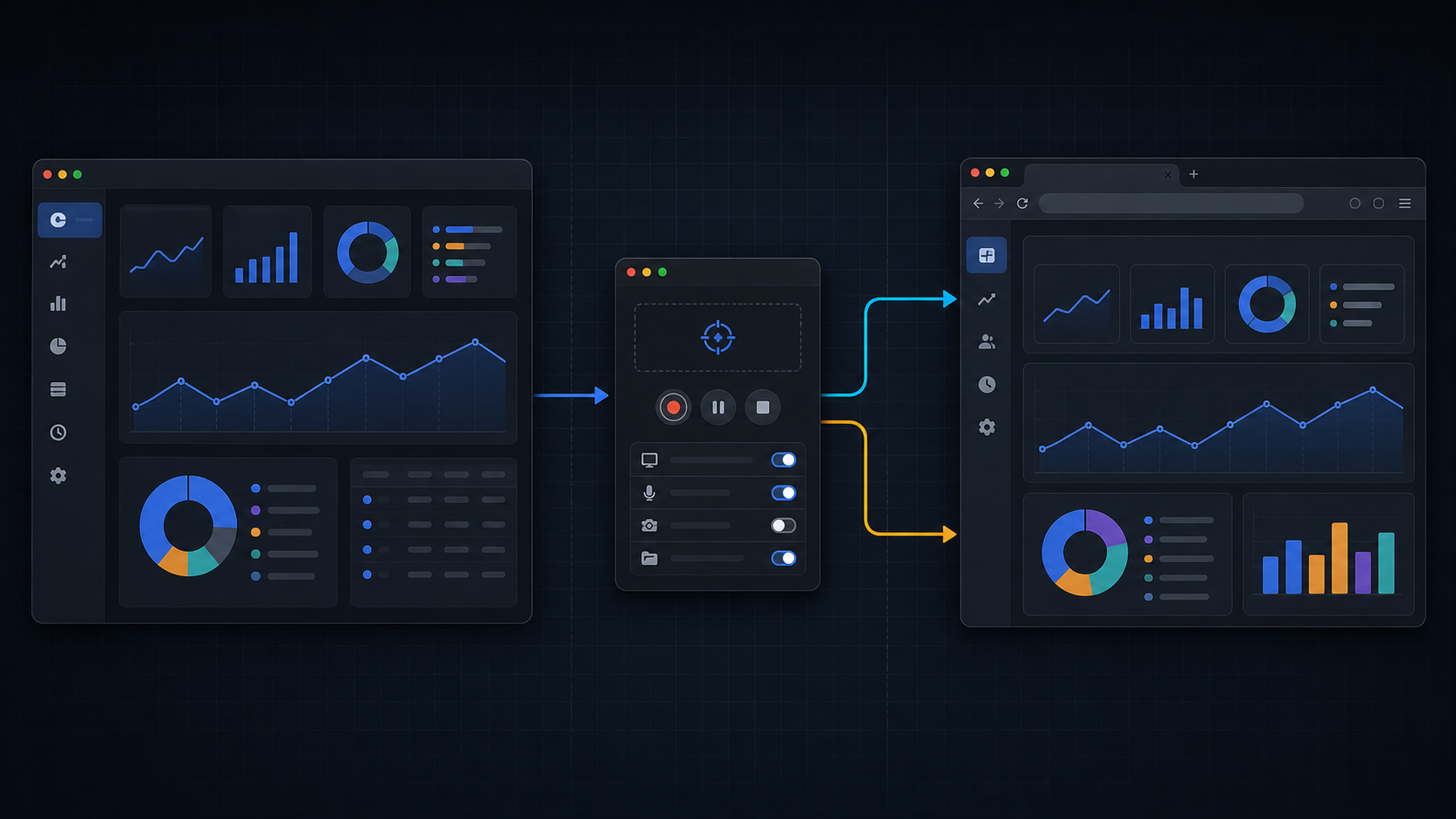
Draw Stats is split by job: one app records the drawing session, while the Web dashboard explains the same canonical account stats across platforms.

Mac quickstart diagram showing the Mac app, separate Capture recorder, and Web dashboard connected by arrows
The Mac Store app and Capture are separate on purpose: viewing stays in Draw Stats, external input monitoring stays in Capture.
Required: Draw Stats for Mac + Draw Stats Capture

Mac App Store app reads. Capture records.

The Mac App Store app is for account work, stats, artworks, proof, and plans. Desktop input recording lives in the separate Draw Stats Capture app, which you start explicitly when drawing.

Install

  1. Install the Mac appOpen the Mac App Store version for account, stats, artwork management, proof, and plans.
  2. Install CaptureCapture is the non-Store recorder. It is the app that needs input permissions before recording.
  3. Sign in to bothUse the same Draw Stats account so the recorded session and Web dashboard land in one history.

Record

  1. Grant Capture permissionsAllow Screen Recording and Input Monitoring for Capture, then quit and reopen if macOS asks.
  2. Choose artworkStart a new artwork or attach the session to an existing synced artwork.
  3. Start and stop in CaptureCapture records the desktop inputs and queues them for the shared API.
Web stats guide

Read overview, timeline, then global comparison.

Web is the clearest stats surface because it uses the same account artwork summaries, timeline buckets, and anonymous global aggregates regardless of recorder.

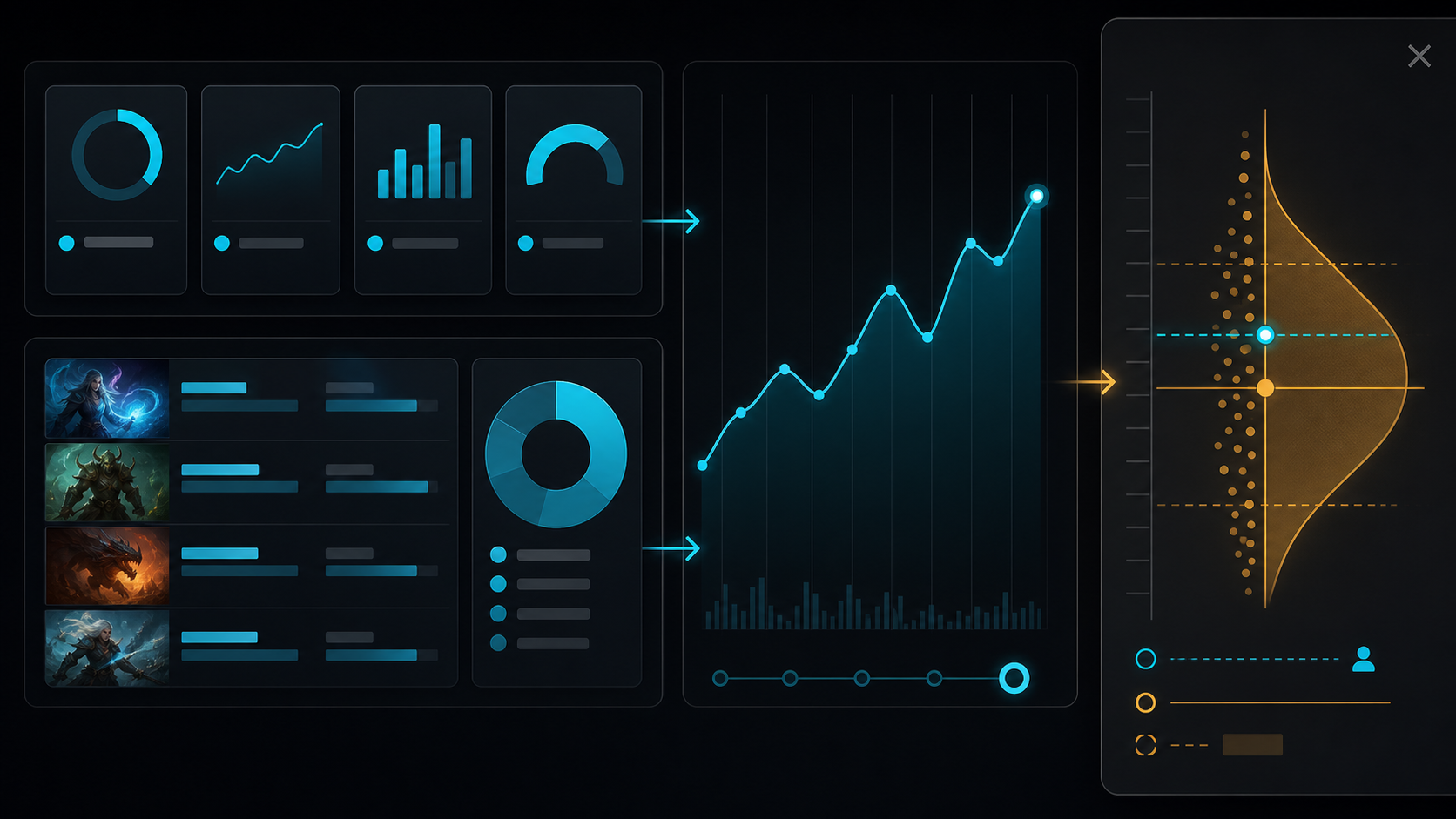
  1. Dashboard cardsUse them for current work volume, operation amount, active time, and whether recent recording/sync looks healthy.
  2. Artwork and timelineArtwork rows use summary stats; timeline uses actual event buckets instead of invented phase labels.
  3. Stats and global drawerDetailed Stats separates account metrics and anonymous global aggregates; metric tiles open a drawer with average, standard deviation, Z position, and distribution.
Draw Stats Web statistics map showing dashboard cards, artwork rows, timeline, and global comparison drawer
Start broad, then drill into the artwork and compare only after the current account values make sense.
After setup

A good first check is a changed dashboard, not a completed install.

After one short session, return to Web and confirm the dashboard cards, artwork row, and timeline changed. That proves the recorder, API, and stats view are connected.